Linux, Omarchy and a place to explore · In use
Making a ThinkPad feel like mine
My ThinkPad is my AI and research machine. My MacBook is my music machine. Giving each a clear role helps me keep the work separate.
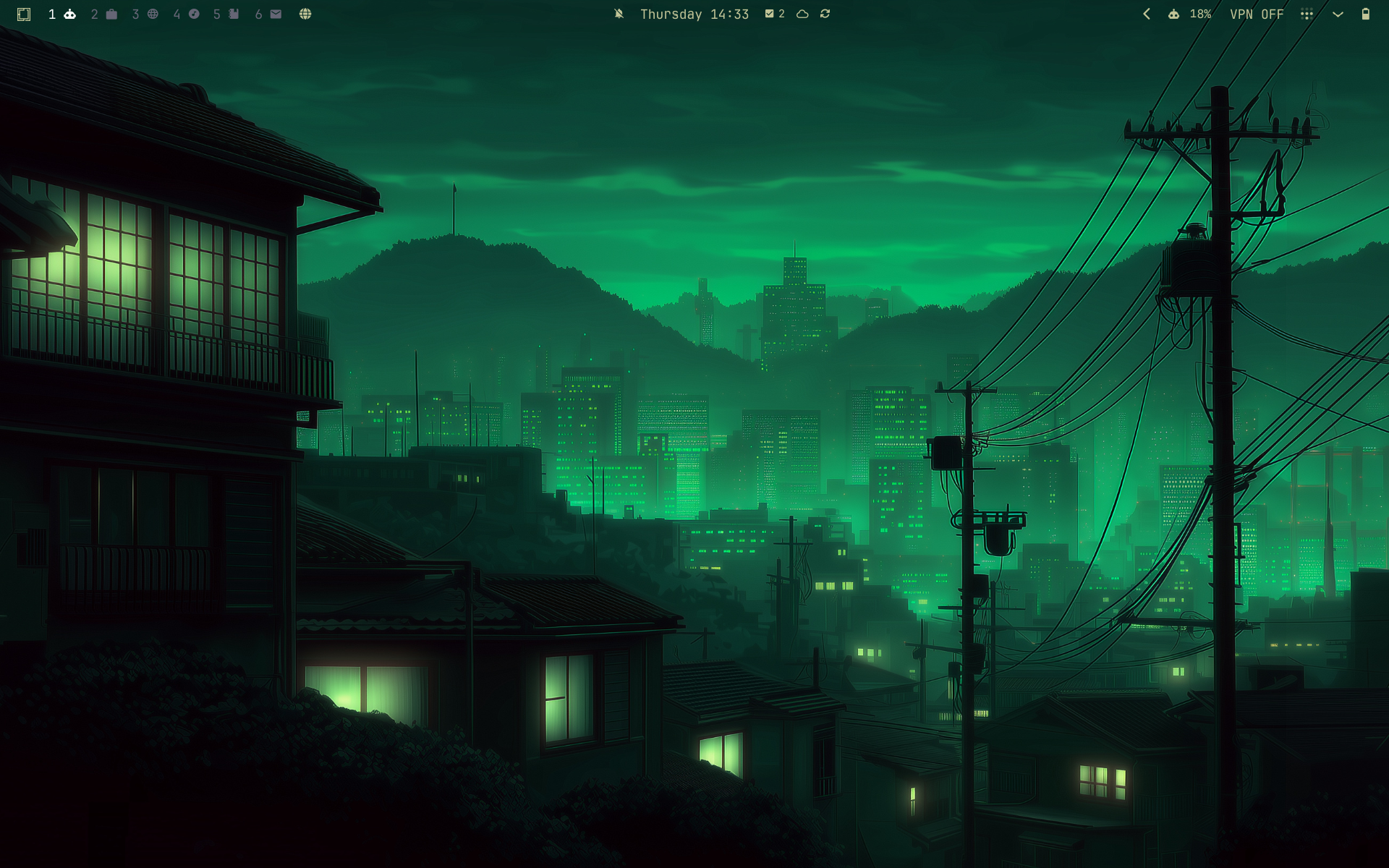
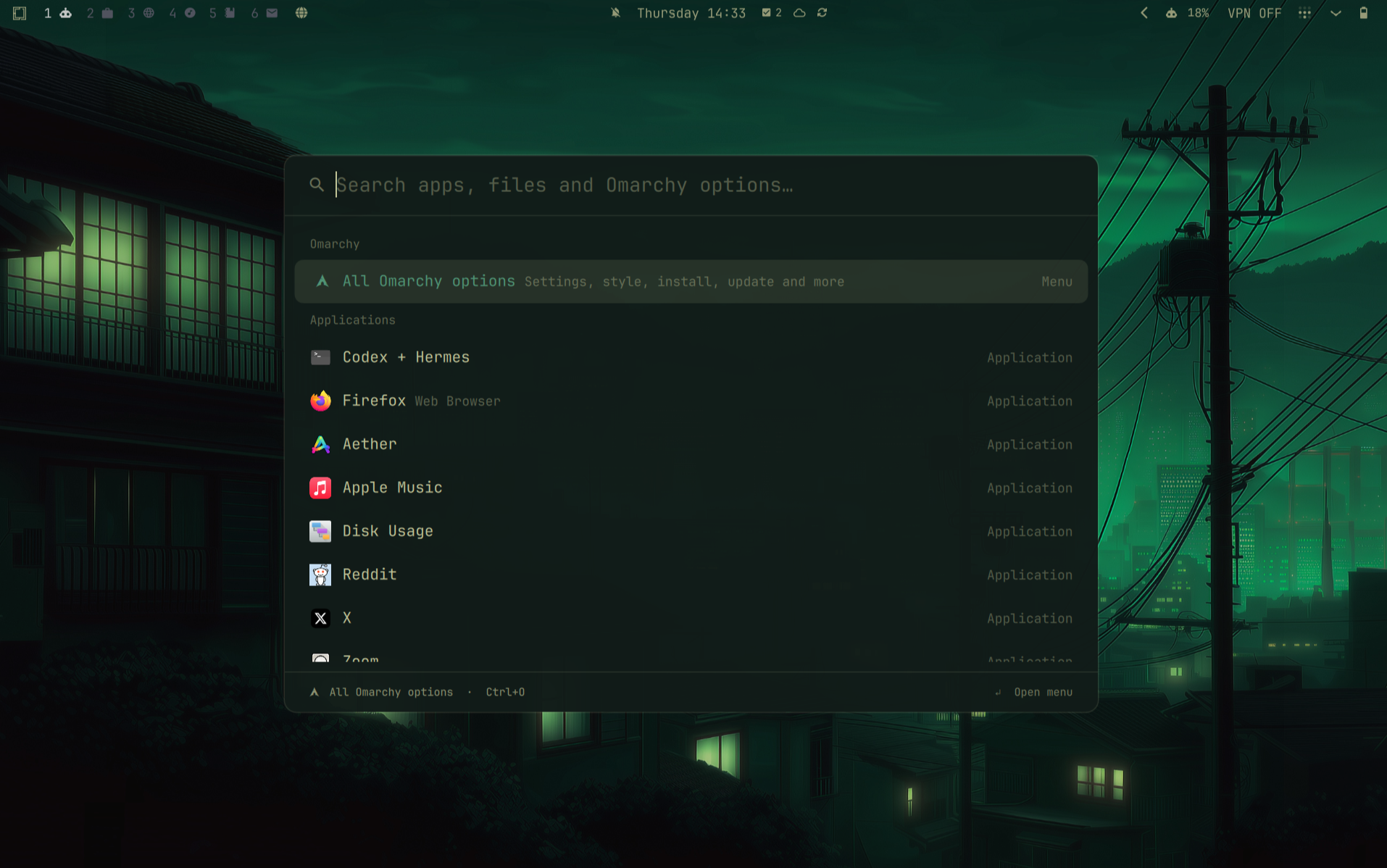
My MacBook is where I make music in Ableton. The ThinkPad is where I research AI, try tools and work on projects. I use Omarchy with the Osaka Jade theme, which also inspired the colours on this site.
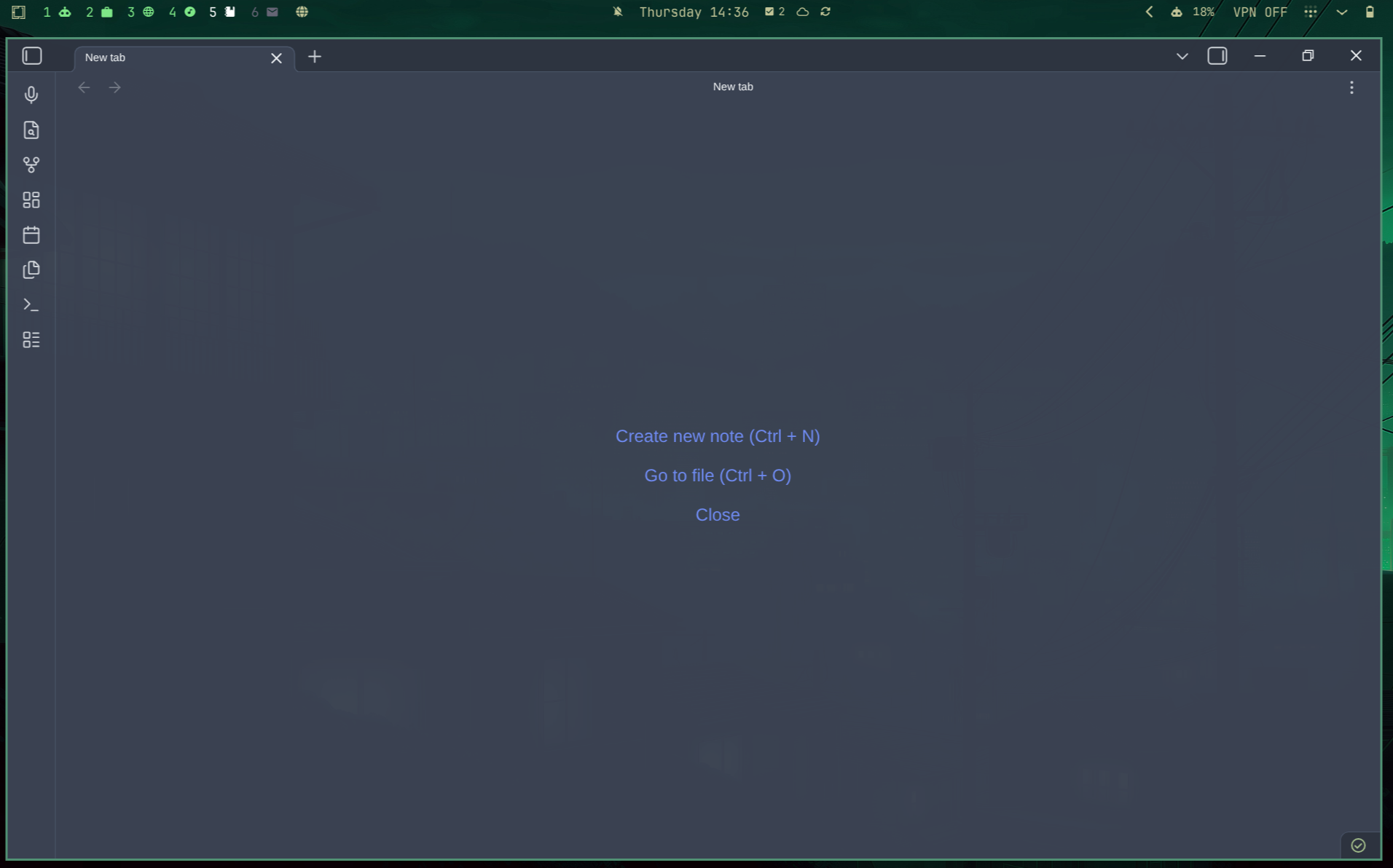
On the ThinkPad, I move between research, Obsidian and coding tools in separate workspaces. I’ve started using Herdr to manage multiple agents and keep their sessions organised. The laptop is also a way into the personal assistant running on my Raspberry Pi.
I also tested a note handoff between machines. Saving useful decisions in Obsidian gives me something to return to when I change tools or pick up a project later. It still takes a deliberate handoff to give the next tool the context it needs.
What I take from it
I’m more likely to return to a project when I know where to open it and where I left the useful notes.
A closer look